DaVinci Resolve editing and export guides
Choose the problem you need to solve, then check a short section before applying a change to the entire project. These guides explain the decision behind a setting and link to current Blackmagic documentation.
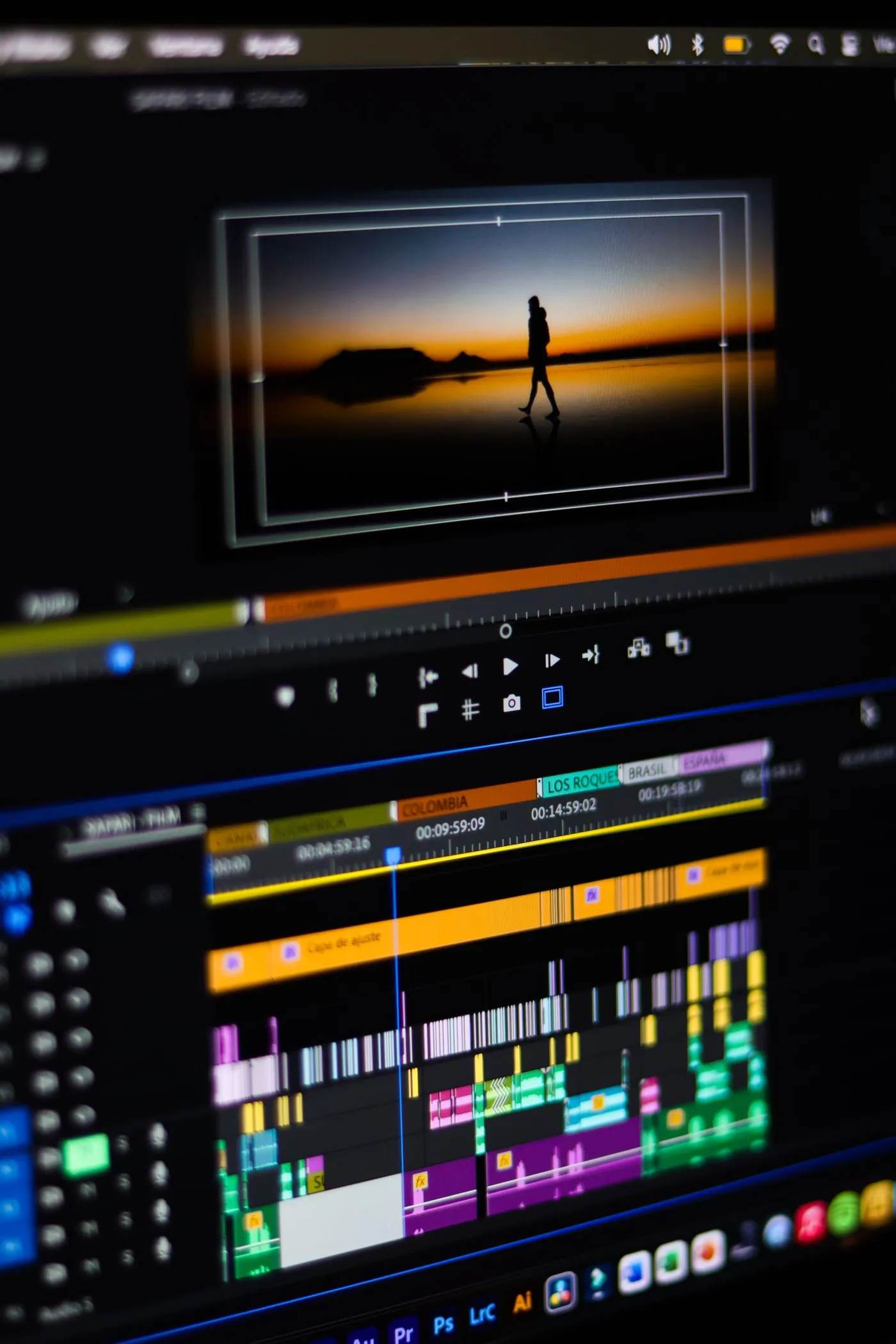
Build proxies you can relink with confidence
Keep camera originals, proxy media and cache files distinct, then verify the project can return to originals before final export.
Read articleA smoother zoom cut in DaVinci Resolve
Build a controlled push-through cut using transform keyframes, matching focal points, and a short transition window.
Read article
Make music move around the words
Use deliberate volume automation for a short voice-led edit, then diagnose rushed fades, breathing music and dialogue that still feels buried.
Read article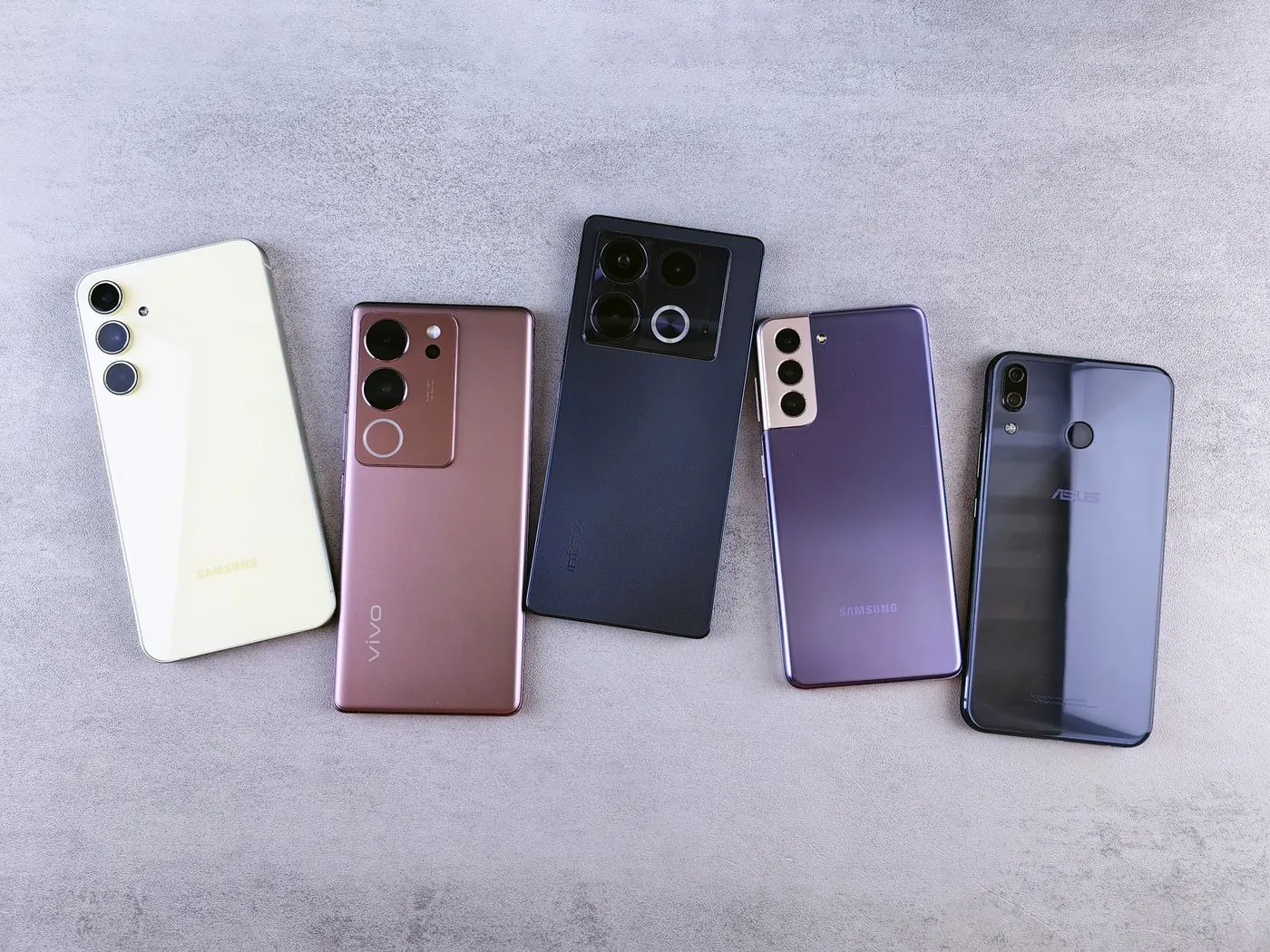
Take phone HDR through a clean SDR workflow
Identify the input transfer function, apply one controlled HDR-to-SDR transform, and verify the exported Rec.709 file through re-import.
Read article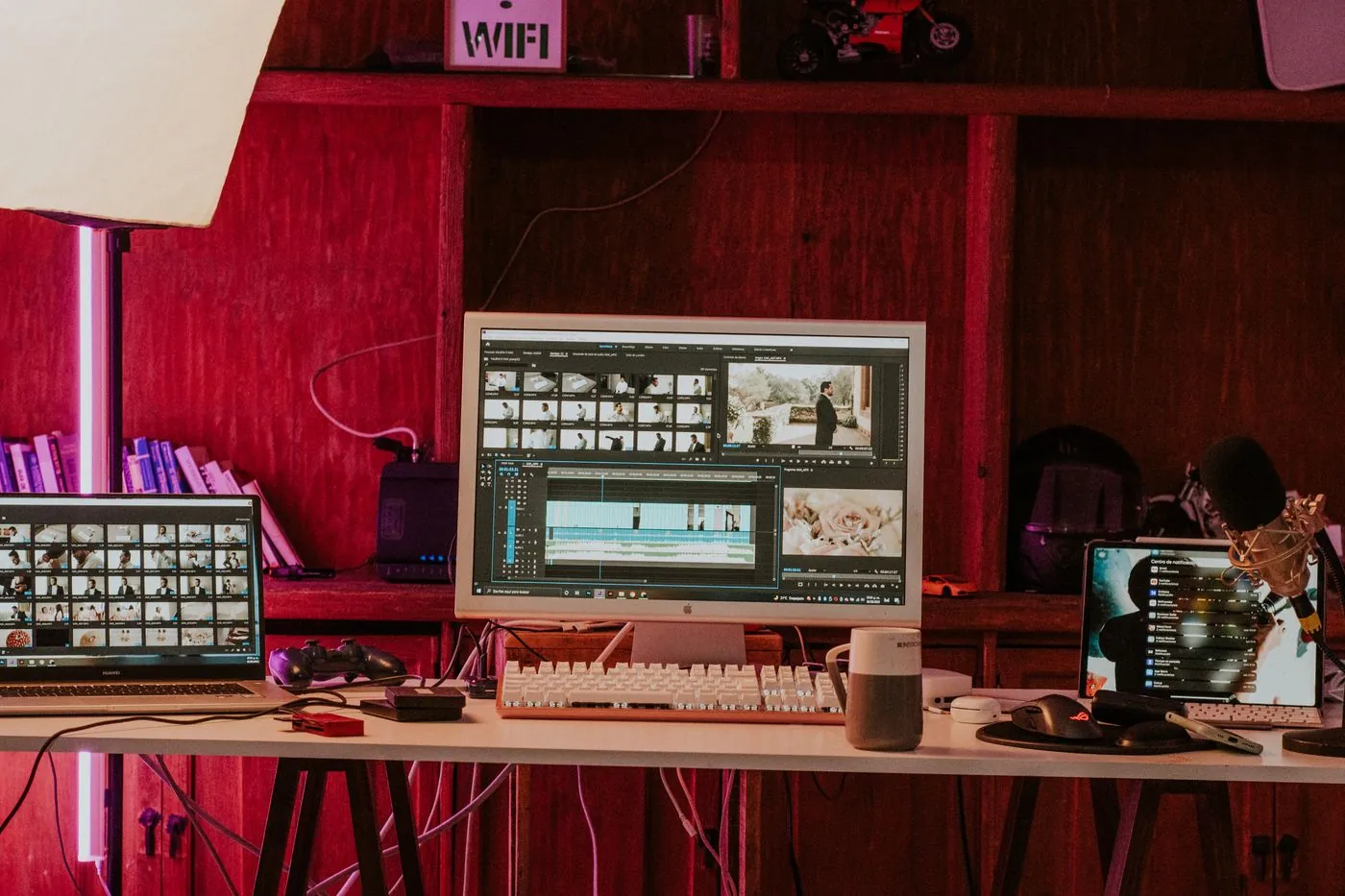
A washed-out export? Check the color chain.
Separate data-level problems from display interpretation and color-management mismatches before changing your grade.
Read article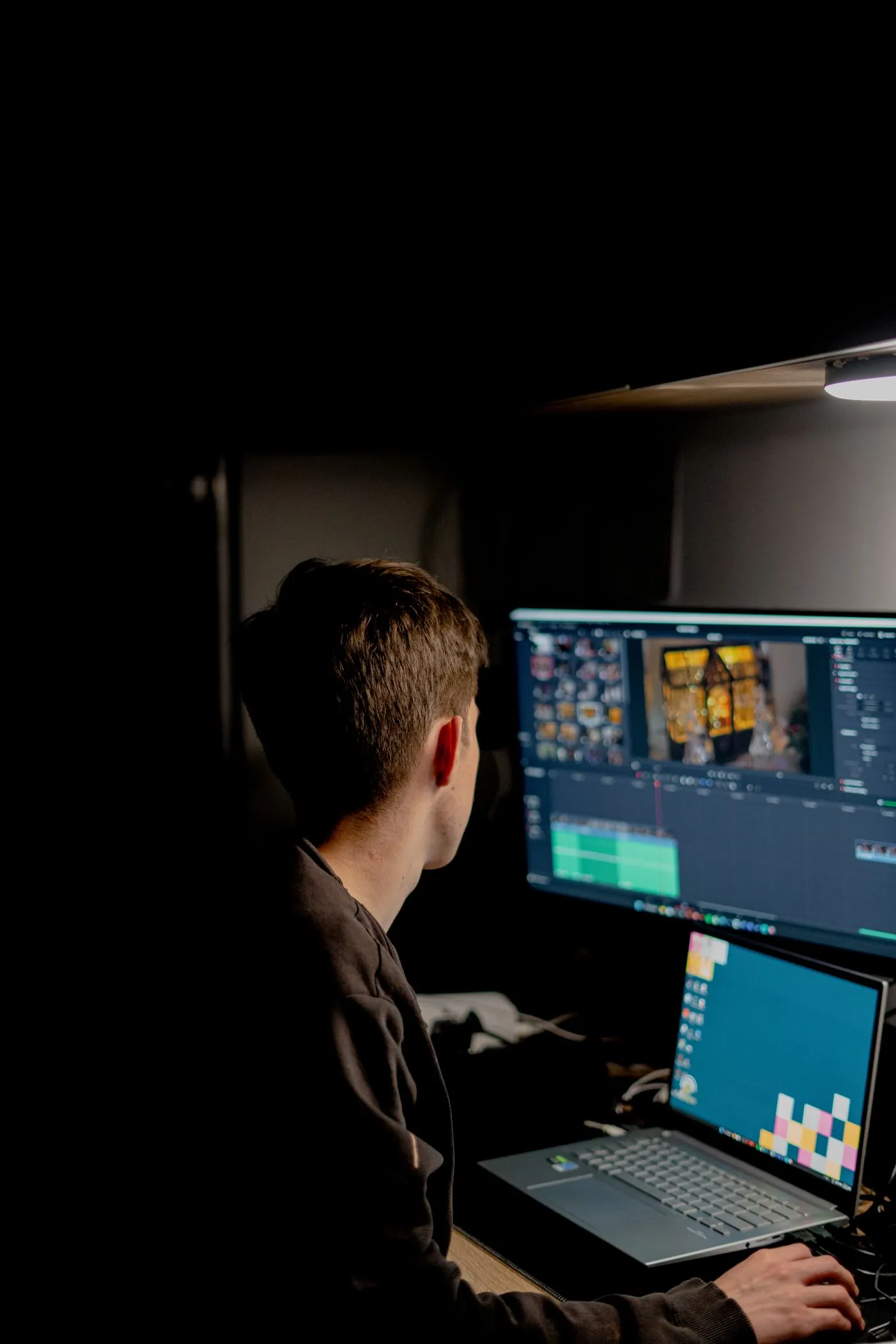
Reframe an interview for a vertical screen
Plan a 9:16 crop shot by shot, keep eyelines and gestures readable, and avoid an auto-reframe that constantly drifts between faces.
Read articleTools for this workflow
Video converter
Convert MOV, MKV or WebM to a playable MP4. Choose MP4, MOV or WebM for the output.
Video cropper
Reframe a video for portrait, square or widescreen. Move the crop over the part you want to keep.
Extract audio
Save the audio from a video as MP3, WAV, M4A or FLAC. Select a track when the video has more than one.