Workflows worth keeping.
Resolve the problems between recording, editing and delivery. Step-by-step techniques, troubleshooting and checks you can repeat.

A screen recording that slowly slips out of sync
Separate a fixed sync offset from progressive drift, then make a constant-frame-rate editing copy without changing the recording speed.
Read article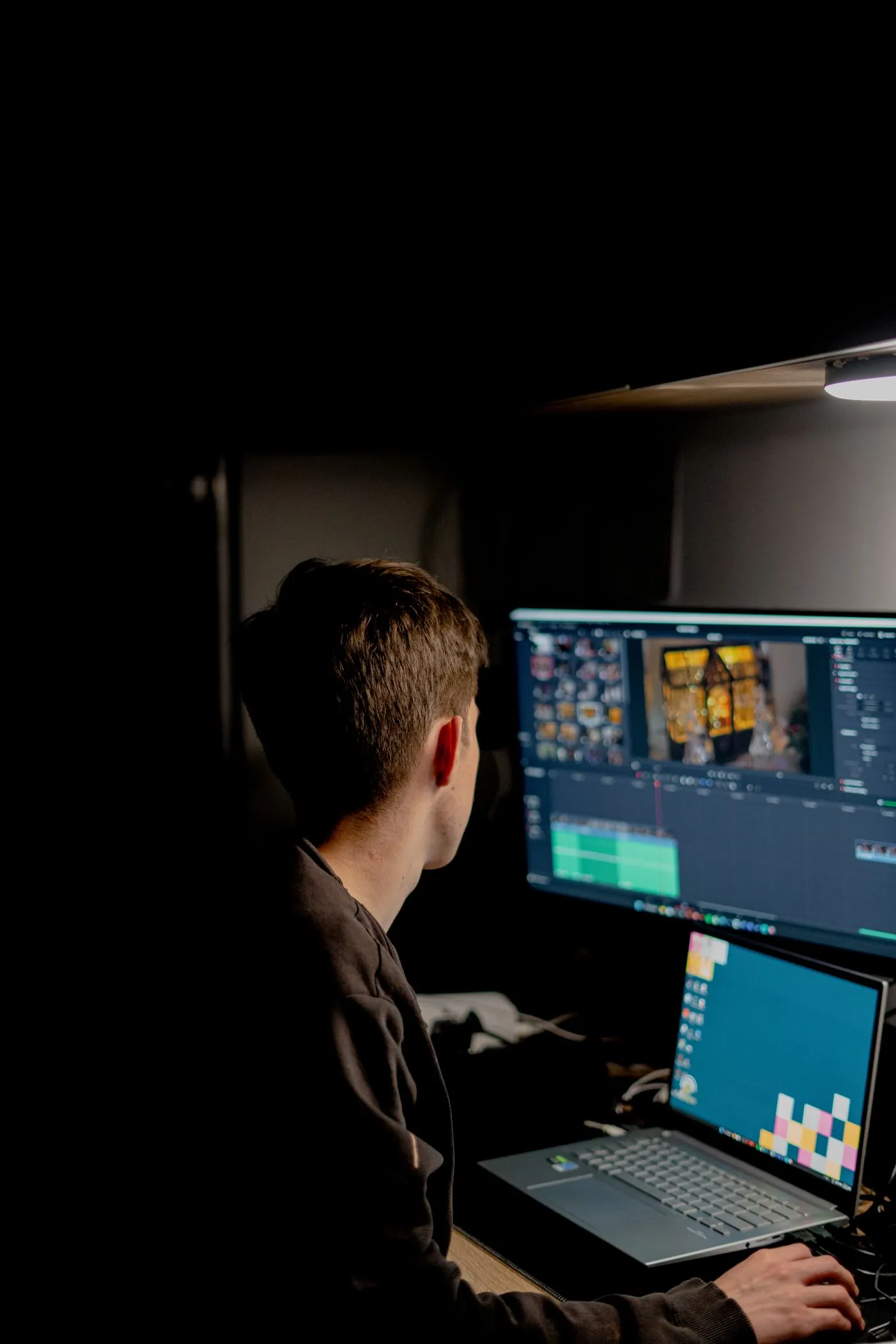
Separate your mic and game sound in OBS
Build a three-track OBS recording that plays normally and still lets you fix voice and game levels independently in the edit.
Read article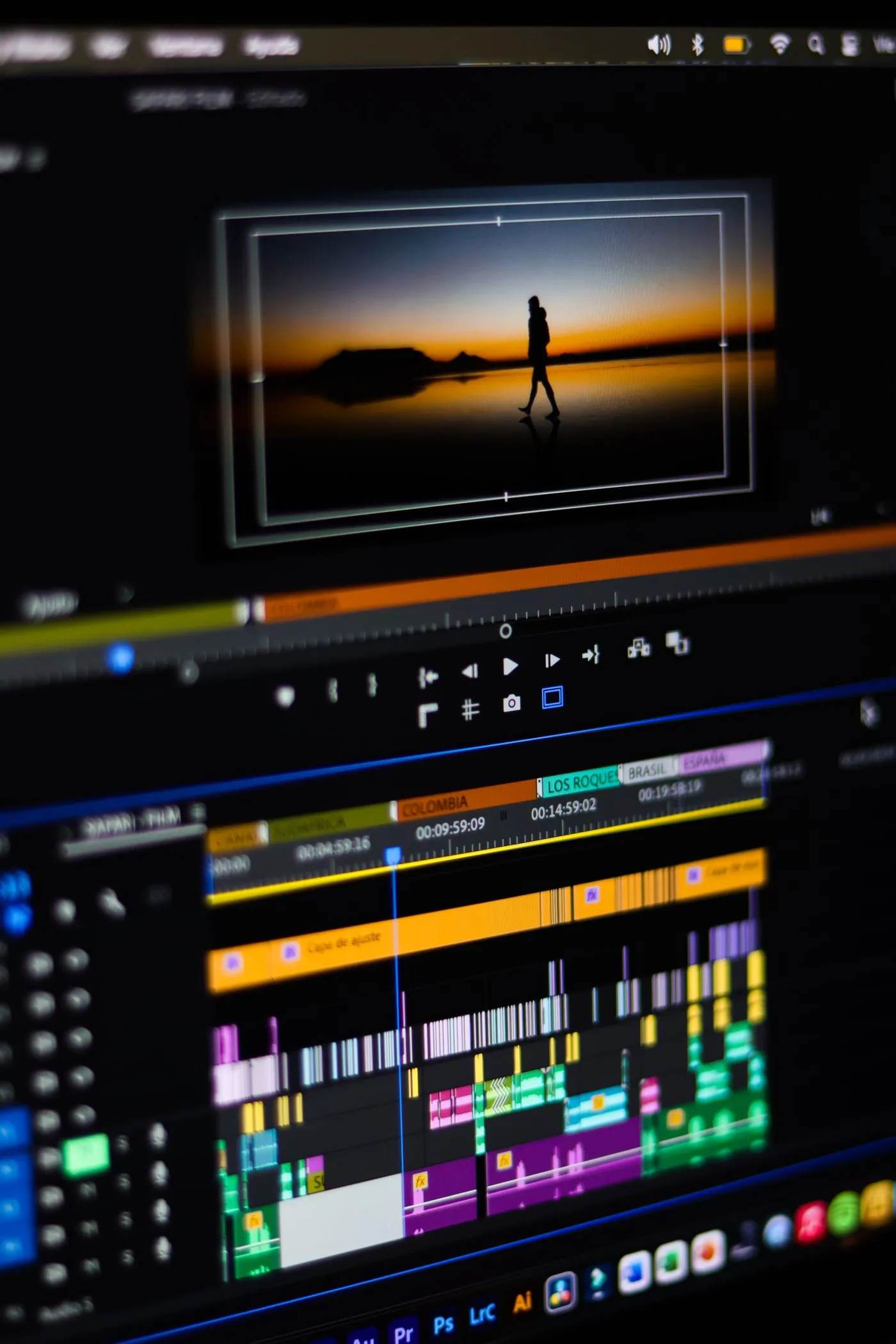
Build proxies you can relink with confidence
Keep camera originals, proxy media and cache files distinct, then verify the project can return to originals before final export.
Read articleMake music move around the words
Use deliberate volume automation for a short voice-led edit, then diagnose rushed fades, breathing music and dialogue that still feels buried.
Read article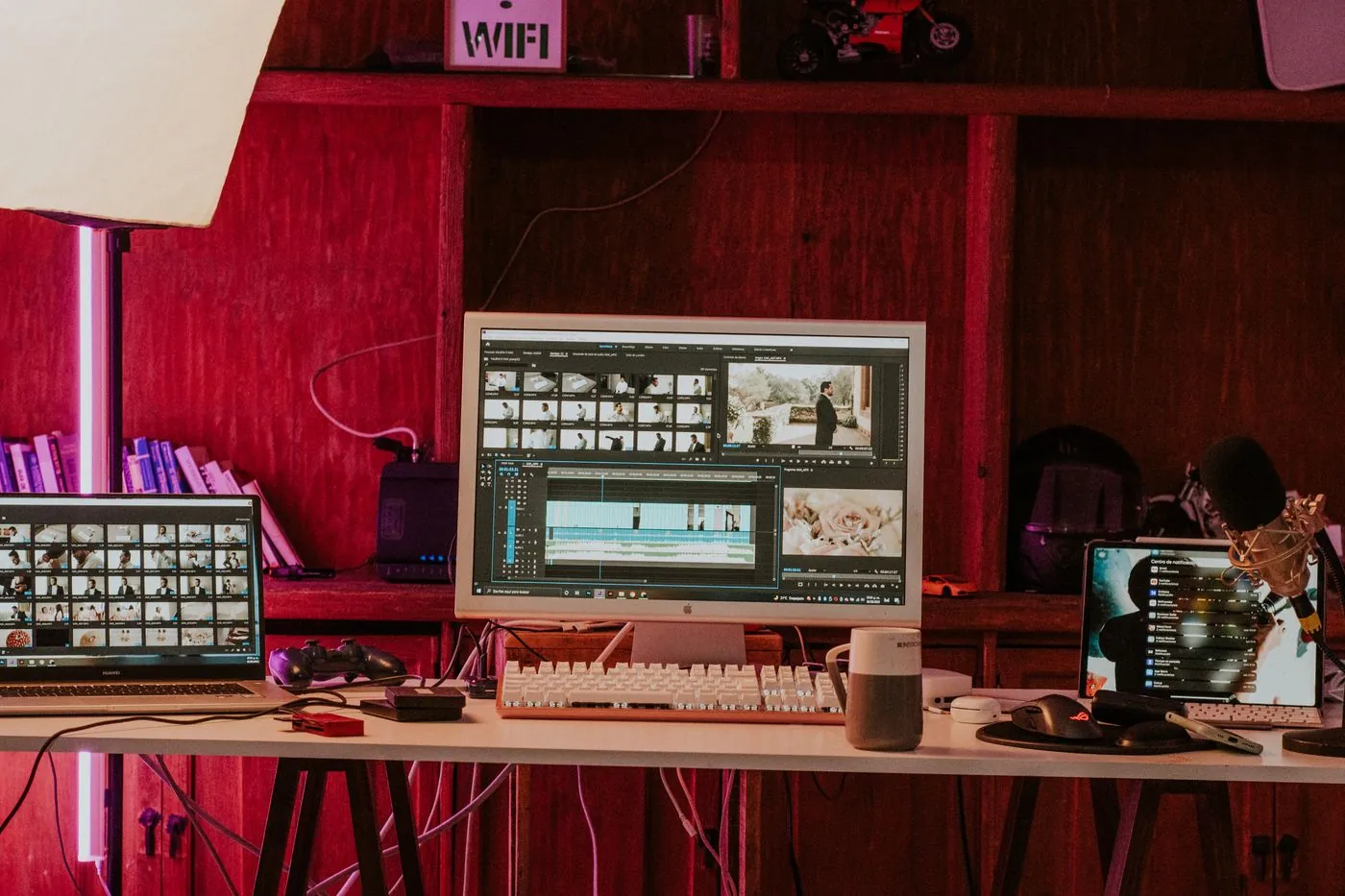
A transparent logo that survives the export
Keep alpha through the composition, choose an alpha-capable export, and test the result over contrasting backgrounds in the receiving editor.
Read articleReframe an interview for a vertical screen
Plan a 9:16 crop shot by shot, keep eyelines and gestures readable, and avoid an auto-reframe that constantly drifts between faces.
Read article
Choose between a fast trim and an exact cut
Understand keyframe boundaries, use stream copying for rough cuts, and re-encode when the first or last visible frame must be exact.
Read articleRemove less noise to keep a better voice
Capture a useful noise profile in Audacity, audition the removed sound, and stop before breathy words turn metallic or watery.
Read article
Take phone HDR through a clean SDR workflow
Identify the input transfer function, apply one controlled HDR-to-SDR transform, and verify the exported Rec.709 file through re-import.
Read articleA clean crop for videos with baked-in bars
Tell player letterboxing from actual black pixels, calculate a proportional crop, and check the whole clip before enlarging the remaining image.
Read article
Why WhatsApp makes your videos blurry
Understand what happens between your camera roll and the chat, and choose the right way to send a video.
Read articleMP4 vs MOV: look inside the file
The extension is the container. The codec, bitrate, and export settings explain much more about your video.
Read articleA smoother zoom cut in DaVinci Resolve
Build a controlled push-through cut using transform keyframes, matching focal points, and a short transition window.
Read articleCapCut captions that leave room for the story
Generate a useful first draft, repair the wording, and design captions that survive a real phone screen.
Read articleSmaller screen recordings. Sharper text.
Keep interface details legible by solving framing and scaling before squeezing the bitrate.
Read articleH.264 vs H.265: the playback trade-off
A more efficient codec can save space while asking more of the device, browser, or editing application.
Read article
30 or 60 fps? Start with the movement.
Choose a frame rate for the action and your delivery workflow, rather than treating a bigger number as better.
Read articleA washed-out export? Check the color chain.
Separate data-level problems from display interpretation and color-management mismatches before changing your grade.
Read articleNo guides match that search. Try another topic or clear the search.